
Sugar 2D Vet is a dedicated 2D X-ray viewer designed specifically for veterinary professionals. From small animals to large companions, you can quickly and accurately review radiographs of the whole body, supporting faster diagnoses and optimized treatment plans. Built for efficiency and ease of use, Sugar 2D Vet streamlines your daily workflow and enhances the quality of veterinary care.
Provides clear and detailed 2D X-ray images for various animal species.
Intuitive and easy-to-use design that minimizes learning time for all users.
Supports standard image formats such as DICOM, JPEG, and PNG.
Loads and processes large X-ray studies quickly, saving valuable examination time.
Provides accurate measurement functions for length, angle, ratio, and area.
Allows detailed analysis with intuitive zoom, pan, and rotation controls.
Ensures optimal readability with adjustable brightness, contrast, and LUT presets.
Generates structured reports that include key images, measurements, and findings.
Allows adding annotations and markers to highlight and describe important regions.

Applies image processing algorithms optimized for veterinary anatomy and X-ray characteristics.

Supports AI-based detection and highlighting of suspicious regions to improve diagnostic efficiency.

Provides viewing presets and analysis tools for dogs, cats, and other companion animals.
Displays clear and detailed 2D X-ray images, enabling precise examination of bones, joints, thoracic and abdominal structures in animals.
Image presets and windowing are specifically tuned for veterinary radiography, enhancing the visibility of subtle lesions and pathologies.
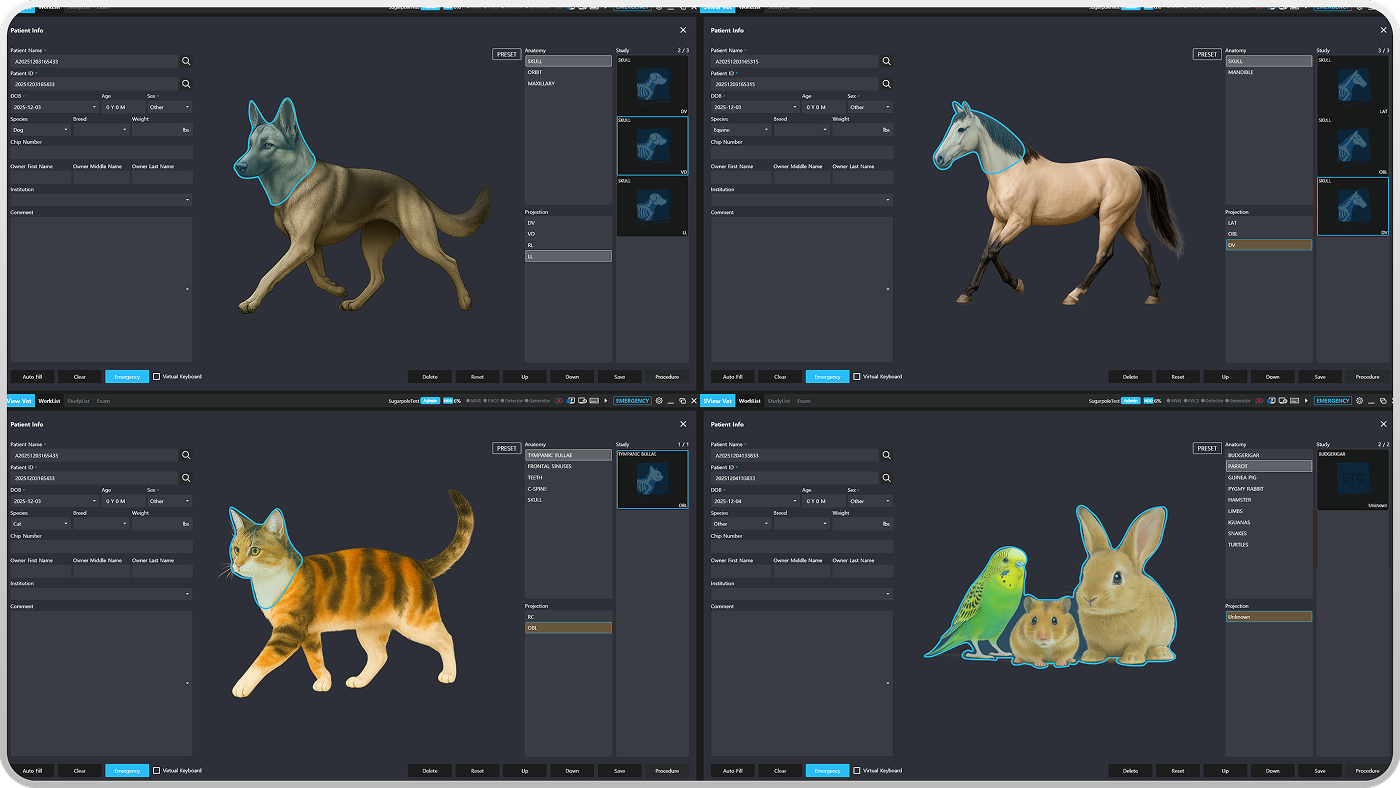
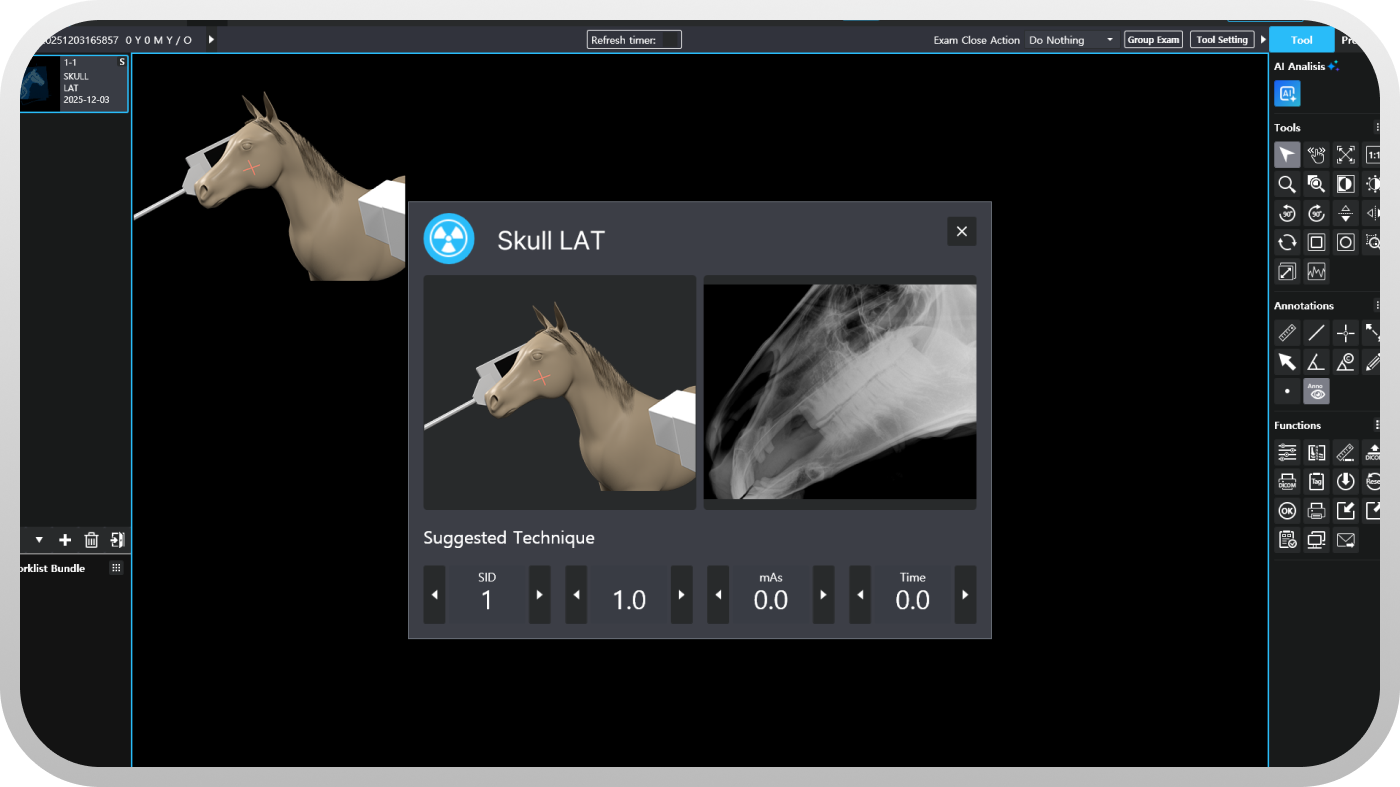
A clean, simple interface designed for fast access to frequently used tools, reducing clicks during busy clinic hours.
Offers precise measurement tools for distances, angles, areas, and ratios, supporting orthopedic assessment, thoracic evaluation, and other diagnostic tasks.
Easily zoom in to focus on specific regions of interest and pan across large images without losing context.
Rotate images to better understand positioning and anatomy, improving interpretation of complex projections.
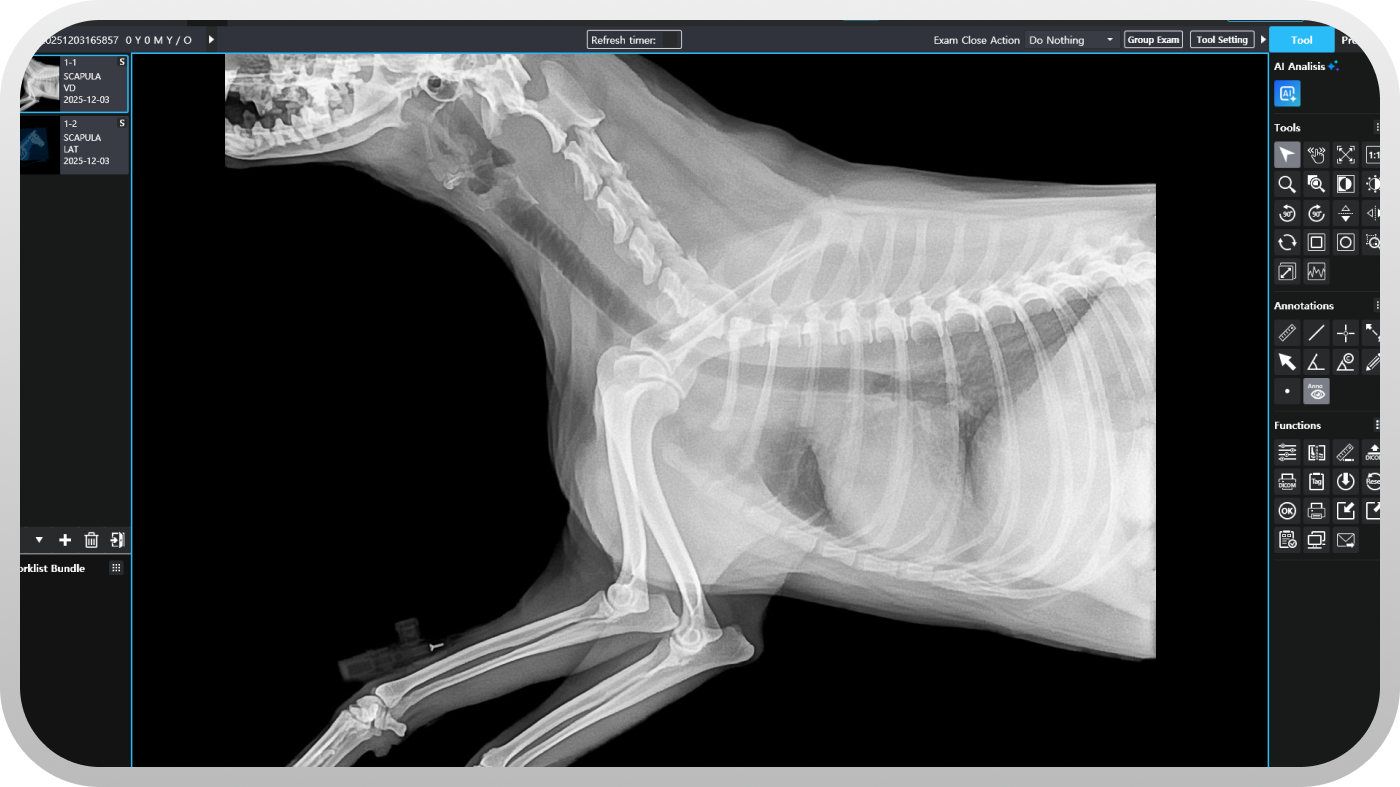
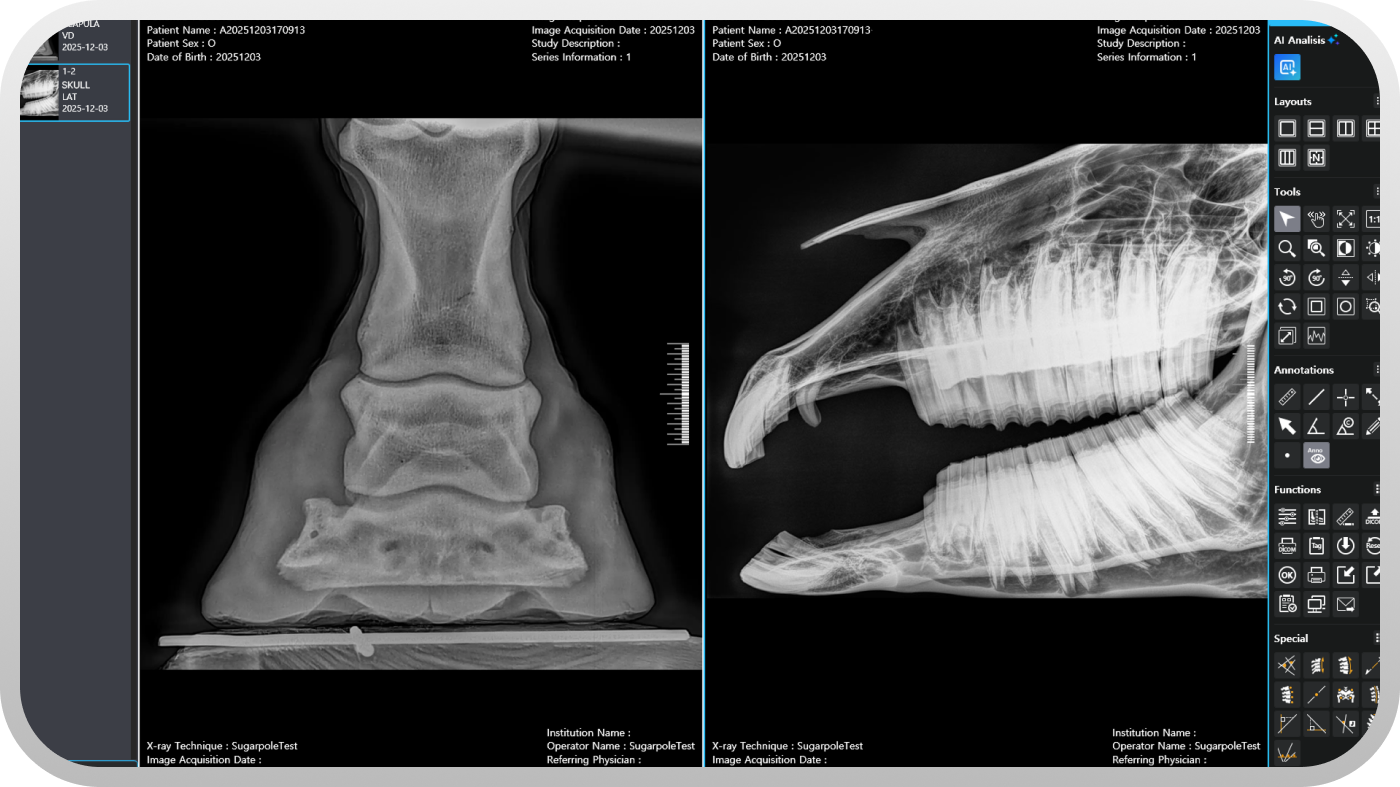
Adjust brightness, contrast, and gamma to reveal fine details and improve the visibility of soft tissues and bone structures.
Save personal window/level and display presets for different examination types and user preferences.
Address #1111, 306, Digital-ro, Guro-gu, Seoul, Republic of Korea
Tel +82-2-6956-1465
Fax +82-2-6949-0363
Mail sales@sugarpole.com

